  Translate Website
                      

Registration

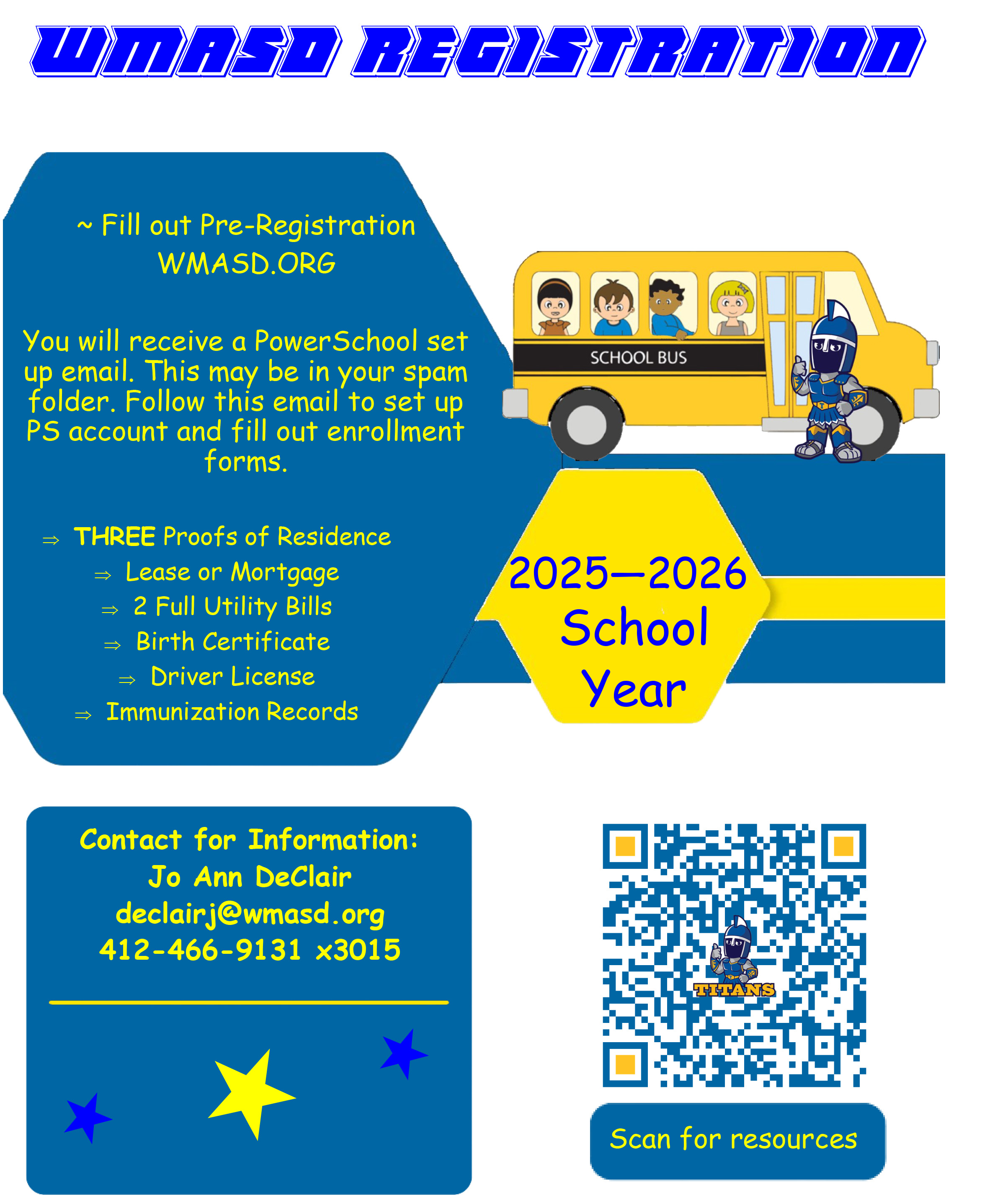
West Mifflin Area School District Enrollment Information

IMPORTANT
A student is not considered enrolled until the full registration process is completed and approved by the district. Pre-registration alone does not guarantee enrollment.

Registration Steps

    To ensure you receive this email, add [email protected] to your email’s safe sender list.

         STEP 1: Complete Pre-registration
                    1. Go to Online Pre-Registration
                    2. Once your pre-registration is accepted, you will receive two emails:
    • One will be from PowerSchool with instructions to set up your student’s account.
    • This email may go to your junk or spam folder and will have the subject line: POWERSCHOOL SET UP.

    STEP 2: Set Up a PowerSchool Account
    If you don’t already have an account:
      1. Go to wmasd.powerschool.com/public

      2. Click the "Create Account" tab (there are two)

      3. Enter your desired username and password

      4. Enter your student’s full name, Access ID, and Access Password (found at the bottom of your email)

    If you already have an account:
    Log in, go to Account Preferences > Students > Add, and use the Access ID and Password to link your student.


    STEP 3: Complete Enrollment Forms
    In PowerSchool, select your student, then go to Forms > Enrollment.
    Complete all required forms as soon as possible.

    STEP 4: Upload Required Documents
    To complete enrollment, you must upload:

      • Three proofs of residency
        (lease/mortgage + 2 utility bills: gas, electric, water, sewage, or Xfinity)

      • Child’s birth certificate

      • Parent/guardian driver’s license or state ID

      • Immunization records

    Need Help?

    For questions about enrollment, contact us at:
    [email protected]

    Jo Ann
    [email protected]
    412-466-9131 x3015
    Monday–Friday, 7 AM – 3 PM

    Frequently Asked Questions

    Q: What is the best way to complete the enrollment forms?
    A: Use Google Chrome on a PC with a cleared cache for the best experience.

    Q: Can I complete a paper registration packet instead?
    A: No. As of the 2022–2023 school year, all registration must be completed online.

    Q: In what format should I upload immunization records?
    A: Immunization records must be uploaded as a PDF document.

    Q: What do I need to submit from my lease or mortgage?
    A: Upload all pages of your lease or a complete mortgage statement.

    Q: Which utility bills are accepted as proof of residence?
    A: Gas, electric, water, sewage, or Xfinity. A full billing statement is required.

    Q: Do I need to update the address on my driver's license or state ID?
    A: Yes. You can update your address for free on the DMV website.

    81 Commonwealth Avenue West Mifflin, PA 15122
    Phone: 412-466-9131 / Fax: 412-466-9260
    © 2026. West Mifflin Area School District. All Rights Reserved.