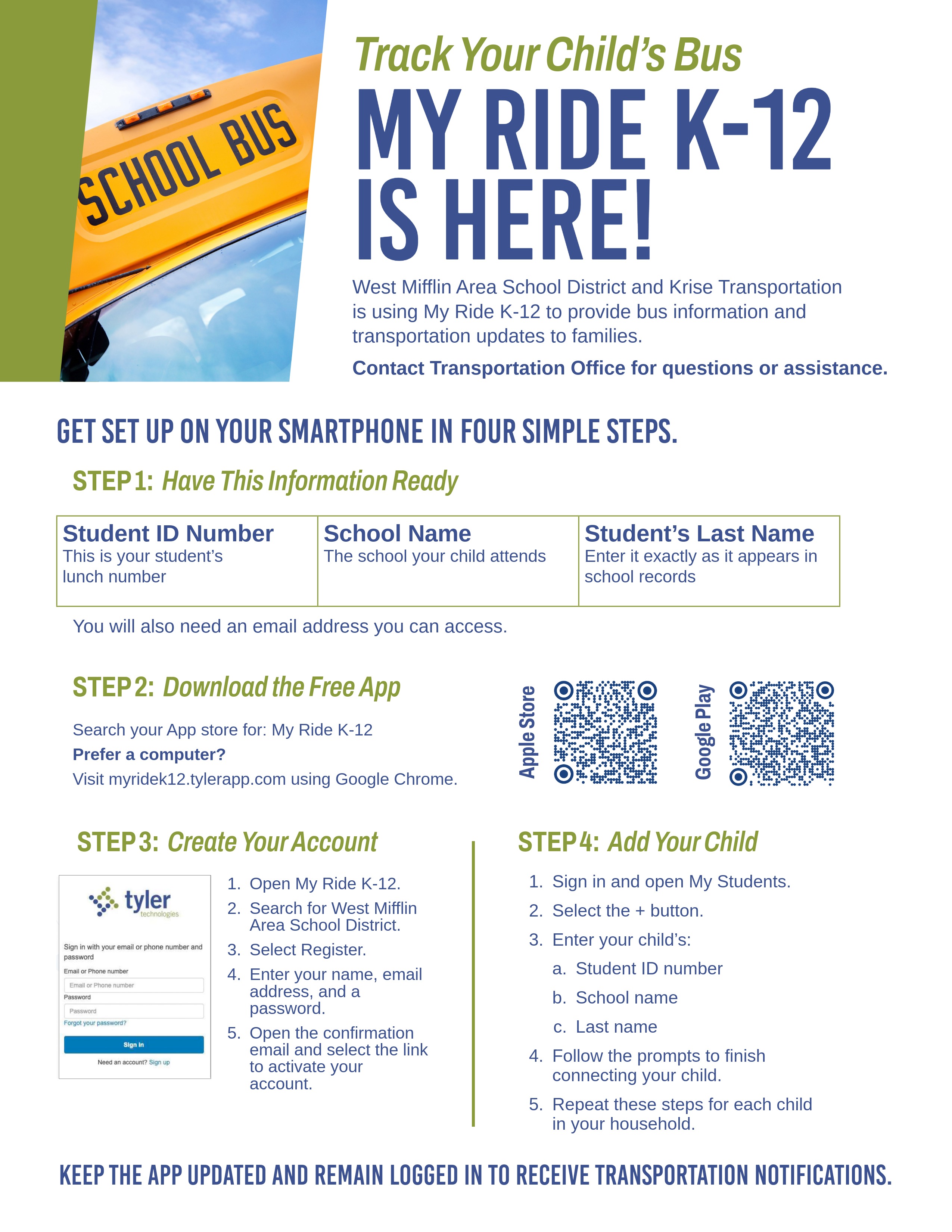
The My Ride K-12 app allows parents and guardians to stay connected to their child's transportation by providing real-time bus location and arrival information as well as notifications regarding delays, route changes, and other transportation updates.
 What Can Parents Access?
Through My Ride K-12, families may be able to:
- View their child's transportation information.
- Track the location of the school bus and view estimated arrival information.
- Receive notifications regarding transportation delays and route changes.
- Stay informed about important transportation updates.
How to Get Started
- Download My Ride K-12 from the Apple App Store or Google Play Store.
- Open the app and search for West Mifflin Area School District when prompted to select your district.
- If you do not already have an account, select Register and create an account using your email address, name, and a password.
- Check your email for the confirmation message and follow the link to verify your account.
- Log in and select My Students, then choose the + button to add your child.
- Enter the student information requested by the district to connect your child to your account.
We encourage all families whose children receive district transportation through Krise Transportation to download the app and become familiar with this new resource.
Please remember that bus arrival information can be affected by traffic, weather, road conditions, construction, and other circumstances. Students should continue to follow the district's expectations regarding being ready and available at their assigned bus stop.